Remove the previous version of the Outlook Plugin
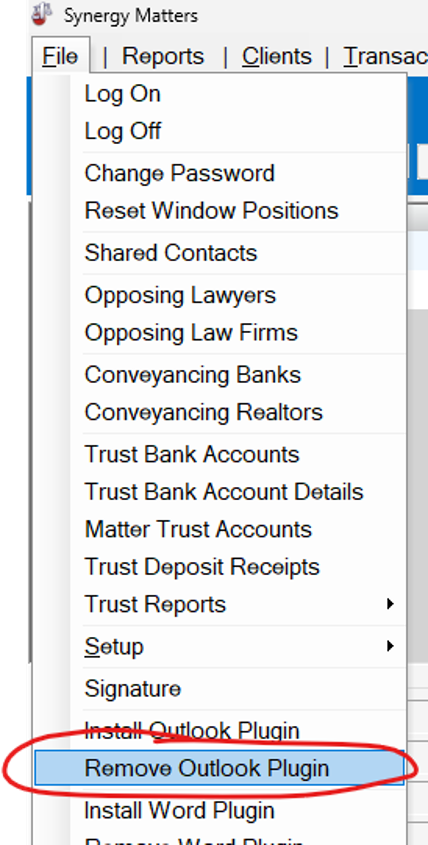
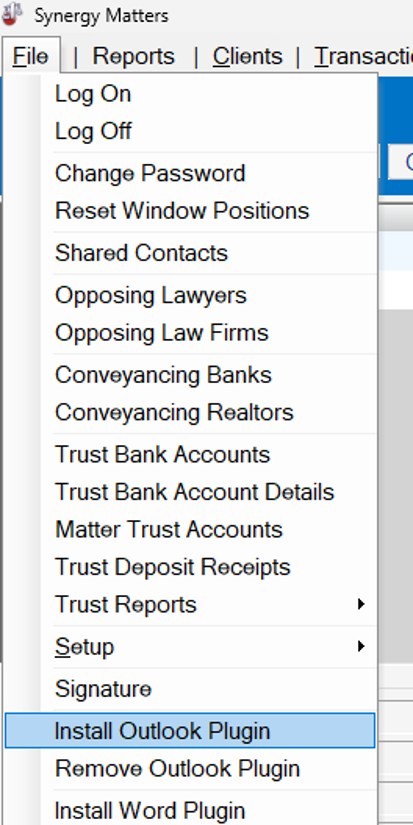
Install the new version of the plugin (this copies plugin files to the outlook plugin directory and attempts the register the plugin if the user’s permissions allow for it)
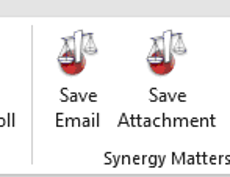
Open Outlook and select an email. If you see the following buttons you are all good to go.
If you do not see the red buttons above, the plugin likely did not have permissions to register automatically. However the files will now be in place so we can register it manually by doing the following.
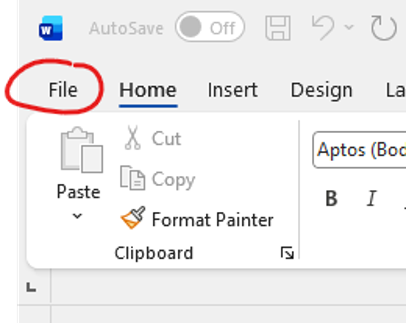
In outlook click “File”
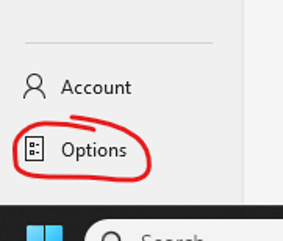
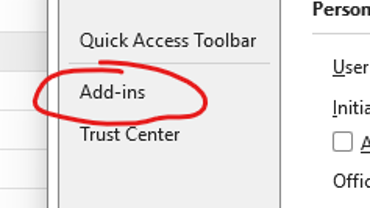
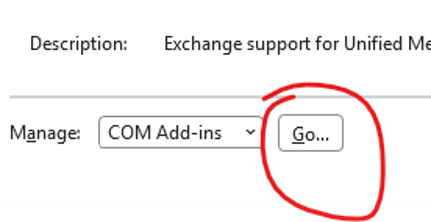
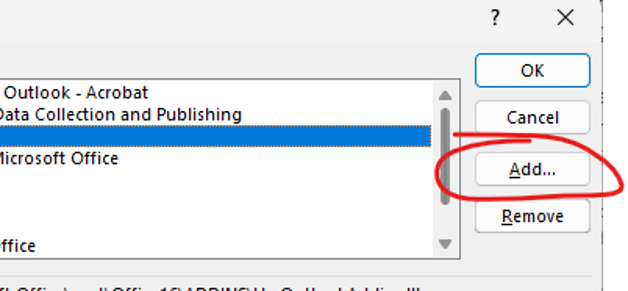

Double Click

Double Click
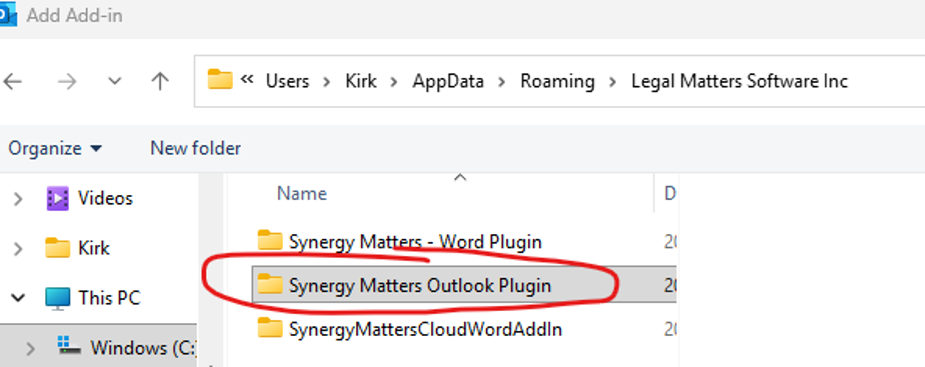
If you don’t’ know if you have 32bit or 64bit office.
Open Microsoft Word and click “File, Account, About”
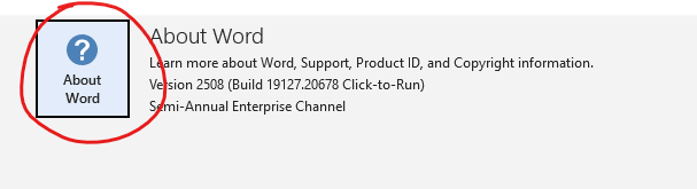
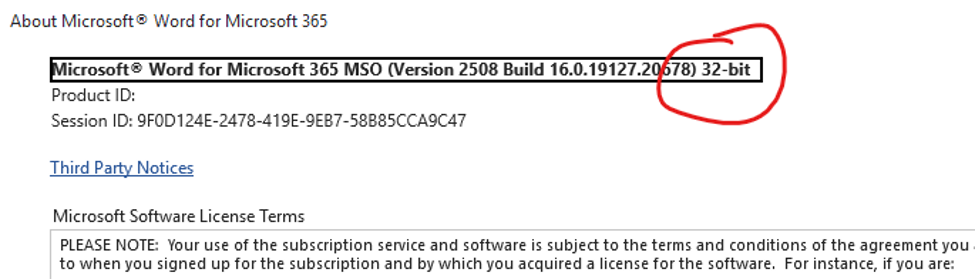
Look at the top to see if it shows 32-bit or 64-bit
Then back in outlook
If you have 32bit Office
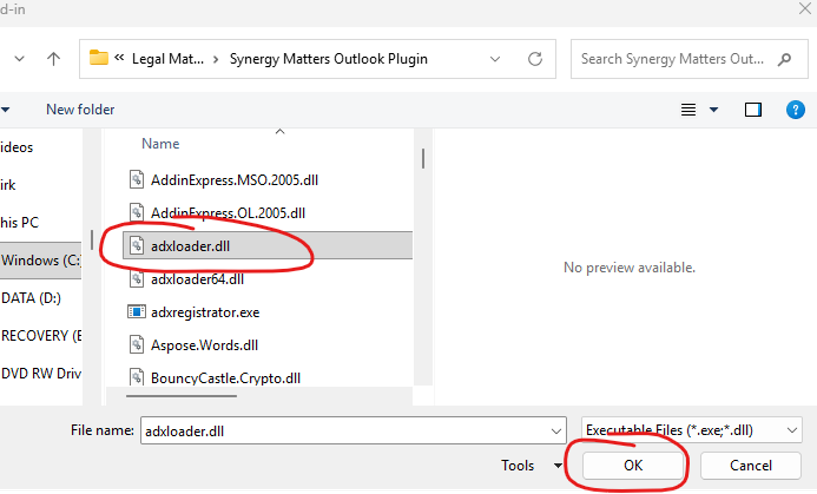
Or if you have 64bit Office
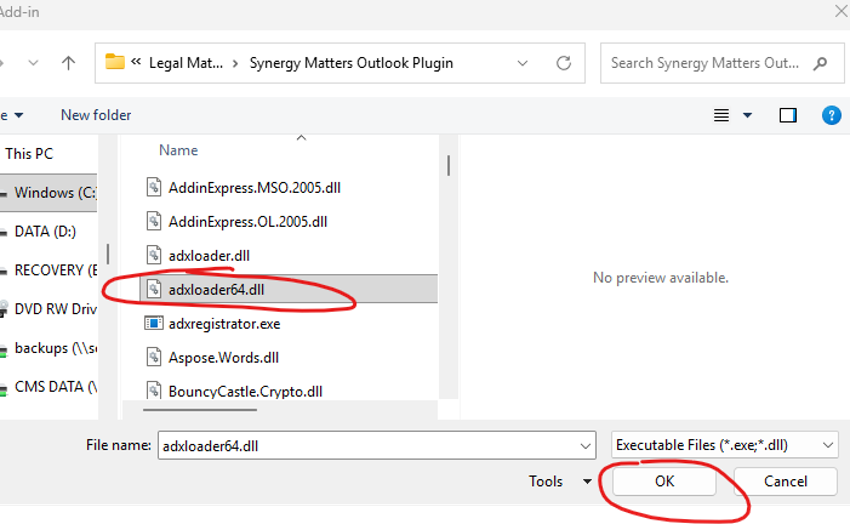
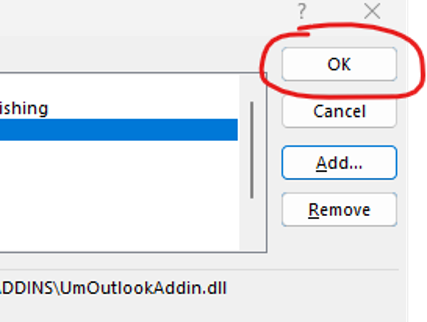
You should now see these buttons at the top of your outlook in the “Home” menu.